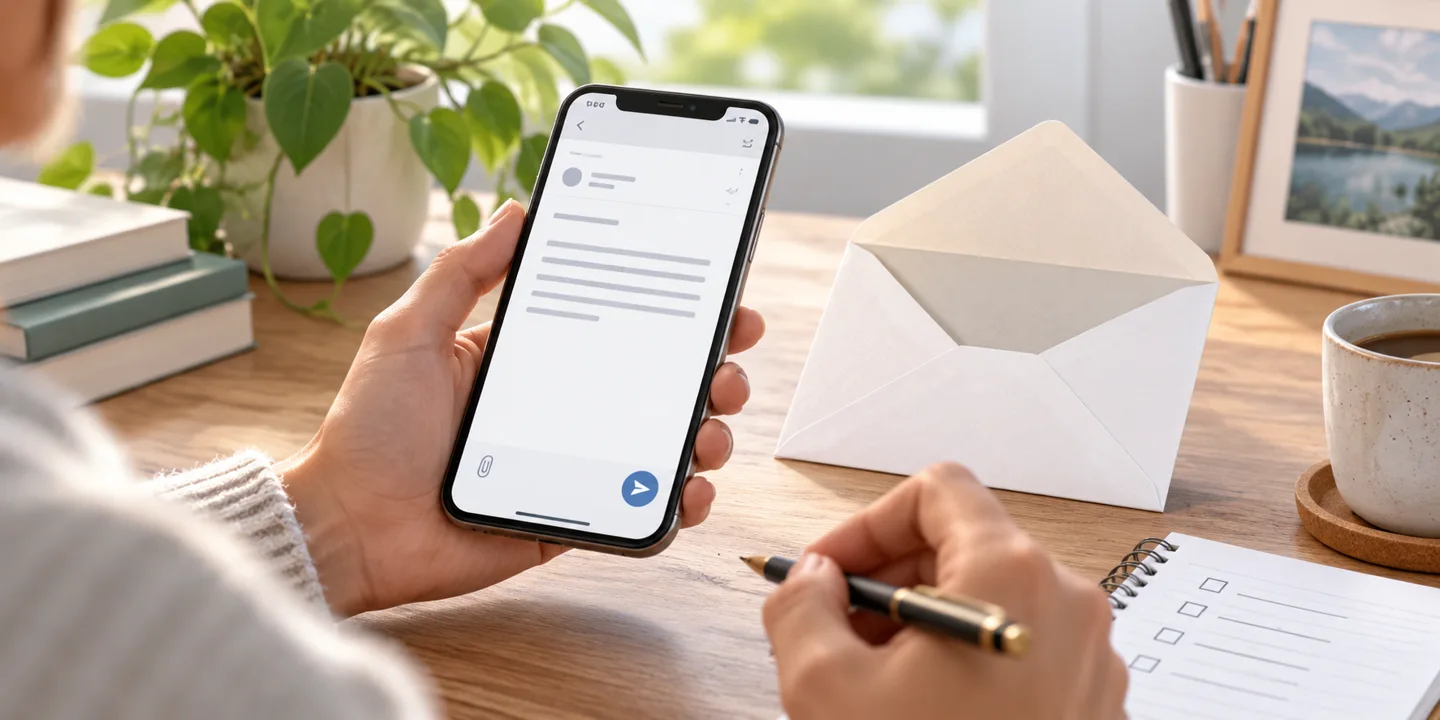
Einfach anfangen ·
Die erste Aufgabe im VI-Assist-Dashboard sicher ausprobieren
Vom ersten Satz zur gespeicherten Aufgabe: ein kleiner Einstieg, bei dem Sie den Überblick und die Kontrolle behalten.
Learn more →Tasks, appointments and thoughts in one place. Tell VI Assist what's coming up — by text, voice or image. It helps you plan and prepare. You stay informed and in control.
Get started for free · no payment details. You can also sign in with Google or Microsoft.

Your everyday life, thoughtfully connected
From an idea to the next step.
Conversations, knowledge and planning in one place. With a visible AI points limit.
From a thought to the next step
You say what needs doing. VI Assist helps organize and prepare it. The result stays visible to you.
Your request
„Add bread and tea to my shopping list.“
VI Assist
Bread and tea are now on your shopping list. You can review and edit the entries in the dashboard.
In your own account
For the next shopping trip
For the next shopping trip
You control the permissions.
Tell the chat which products and quantities you need.
Review the saved entries on your shopping list.
Add, edit or complete the entries in your account.
Start with a small task. Your own lists don't need an external account connection.
Get to know the dashboardIllustrative preview with sample data. Nothing is saved, connected or sent here.
You do not need experience with AI. Start with one small task. VI Assist asks when important details are missing.
Create your account or sign in with Google or Microsoft.
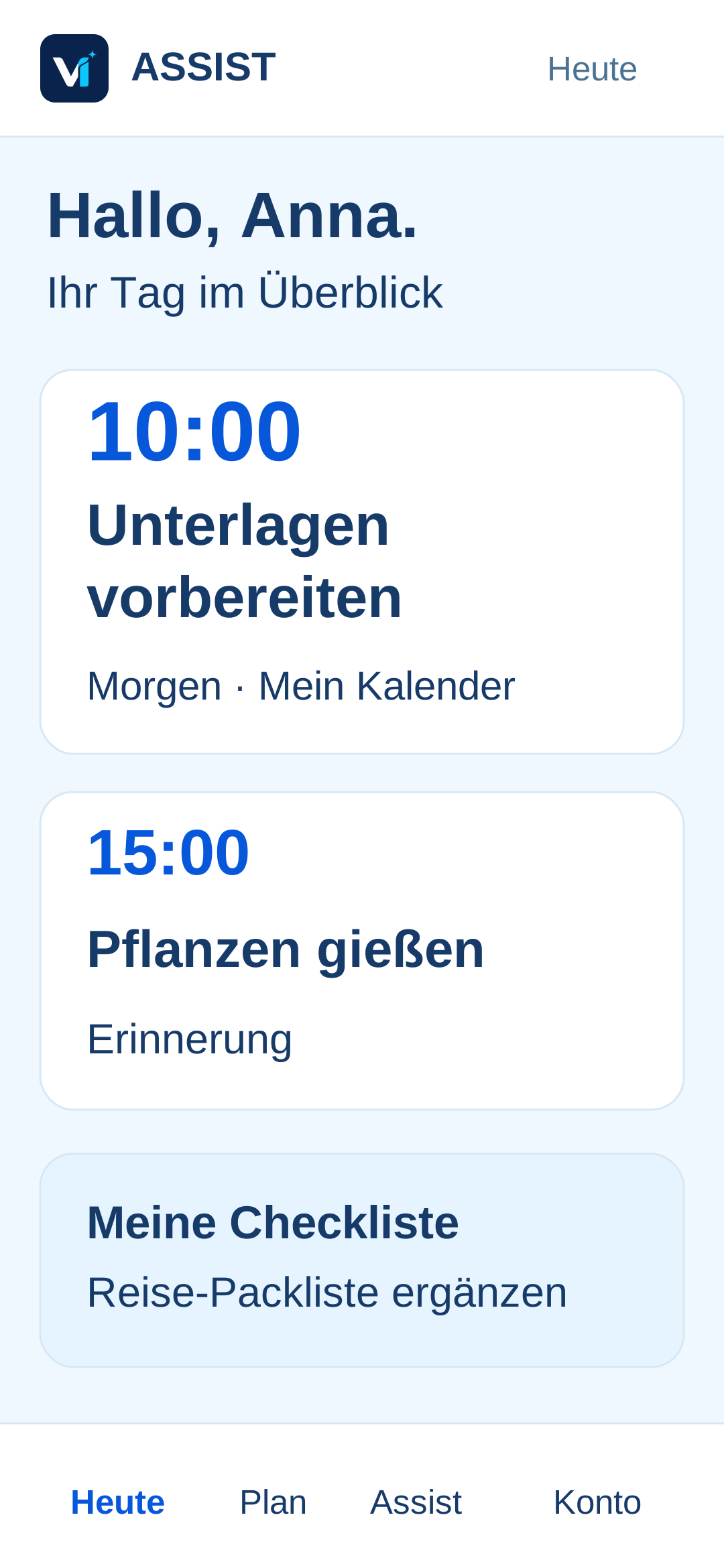
For example: Remind me tomorrow at 10 am to water the flowers.
Open Reminders. Check the text, date and time. You can change or remove the entry.
Services you know
Demo/pilot access · approved test accounts only
Demo/pilot access · approved test accounts only
Available from Smart · separate email permission
Available from Smart · separate calendar permission
Planned · not yet available
Planned · not yet available
Connect Outlook email and Outlook Calendar with Smart, Pro or Individual and your separate consent. Gmail and Google Calendar remain limited to approved test accounts in the demo/pilot programme; changing plans alone does not unlock them. Apple/iCloud is planned, not yet enabled, and is also intended to be available from Smart. Trademarks belong to their respective providers.
VI ASSIST
A little help for everyday life. Clearly explained, at your pace.
Articles and guides are currently in German.
Einfach anfangen ·
Vom ersten Satz zur gespeicherten Aufgabe: ein kleiner Einstieg, bei dem Sie den Überblick und die Kontrolle behalten.
Learn more →Verbindungen verstehen ·
Vom Auftrag zum geprüften Entwurf: Konto, Empfänger und Inhalt kontrollieren, bevor eine Nachricht Ihr Postfach verlässt.
Learn more →Persönlich einrichten ·
Eine ruhige Antwort, ein klarer nächster Schritt und passende Hinweise: so geben Sie VI Assist eine verständliche Arbeitsweise.
Learn more →One account · several areas of life
Work, wellbeing, travel, family, hobbies and projects can each have their own assistant. Each one only knows the context you have approved, keeping answers precise and boundaries clear.
Your personal command centre
Start with what you need today. Find tasks, notes and appointments in one shared overview. Set up more areas to suit your needs.
A dedicated window for quick access to VI Assist. For Windows 10/11 x64.
DownloadThe Android test app is being tested. The iPhone app and public store versions are in preparation.
App preview · iOS & AndroidA companion for real situations
VI Assist grows in modules. Capabilities, external services and sensitive areas are approved separately. Anything without a secure connection is never presented as completed.
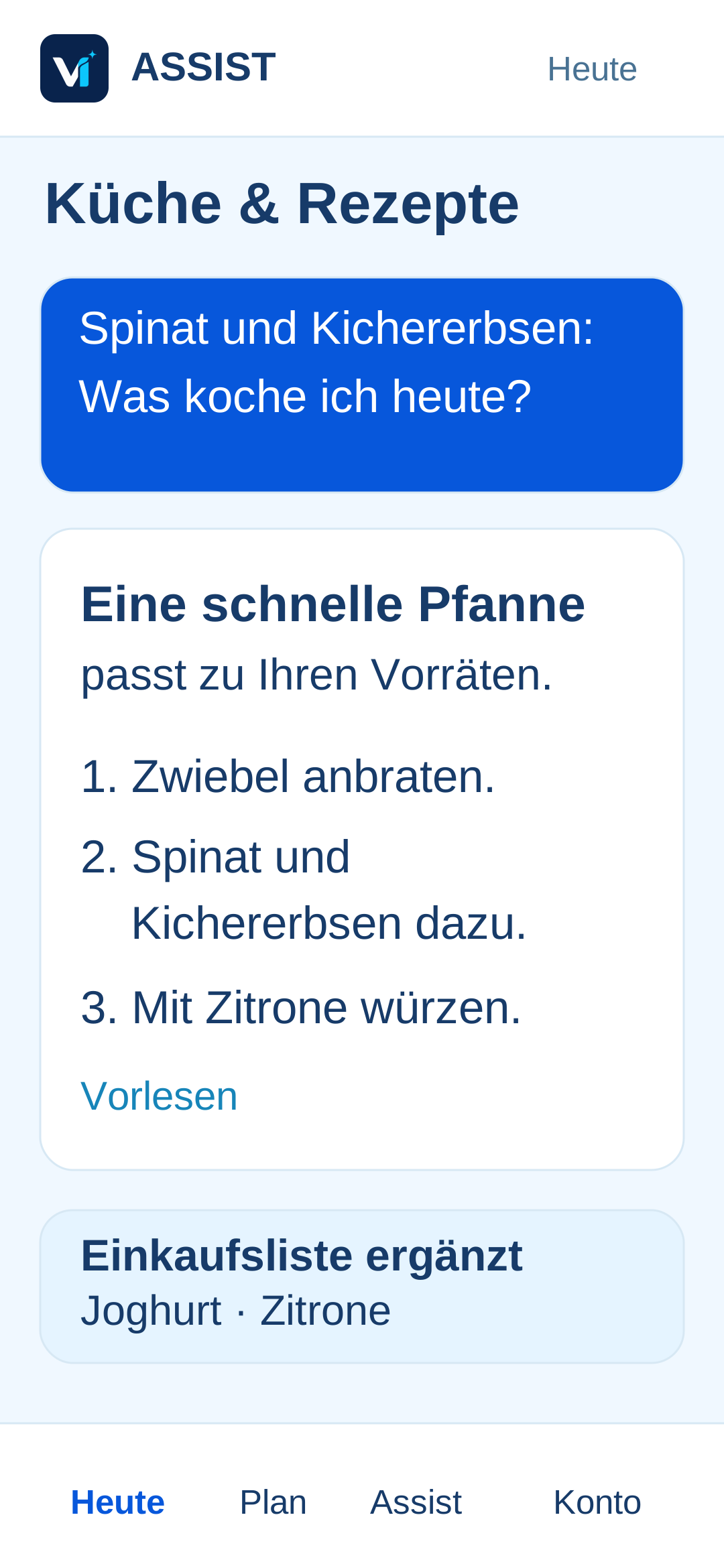
 LifeYour personal guide
More than the next entry
What helps you feel good? Which plans keep getting put off? VI Life is intended to help you reflect on your own habits and develop next steps that fit your experiences.
After 90 days at the earliest, with your consent. You also need at least 20 active days and 60 messages of your own. Check your account for the build-up progress and availability. VI Life is being trialled as a personal guide.
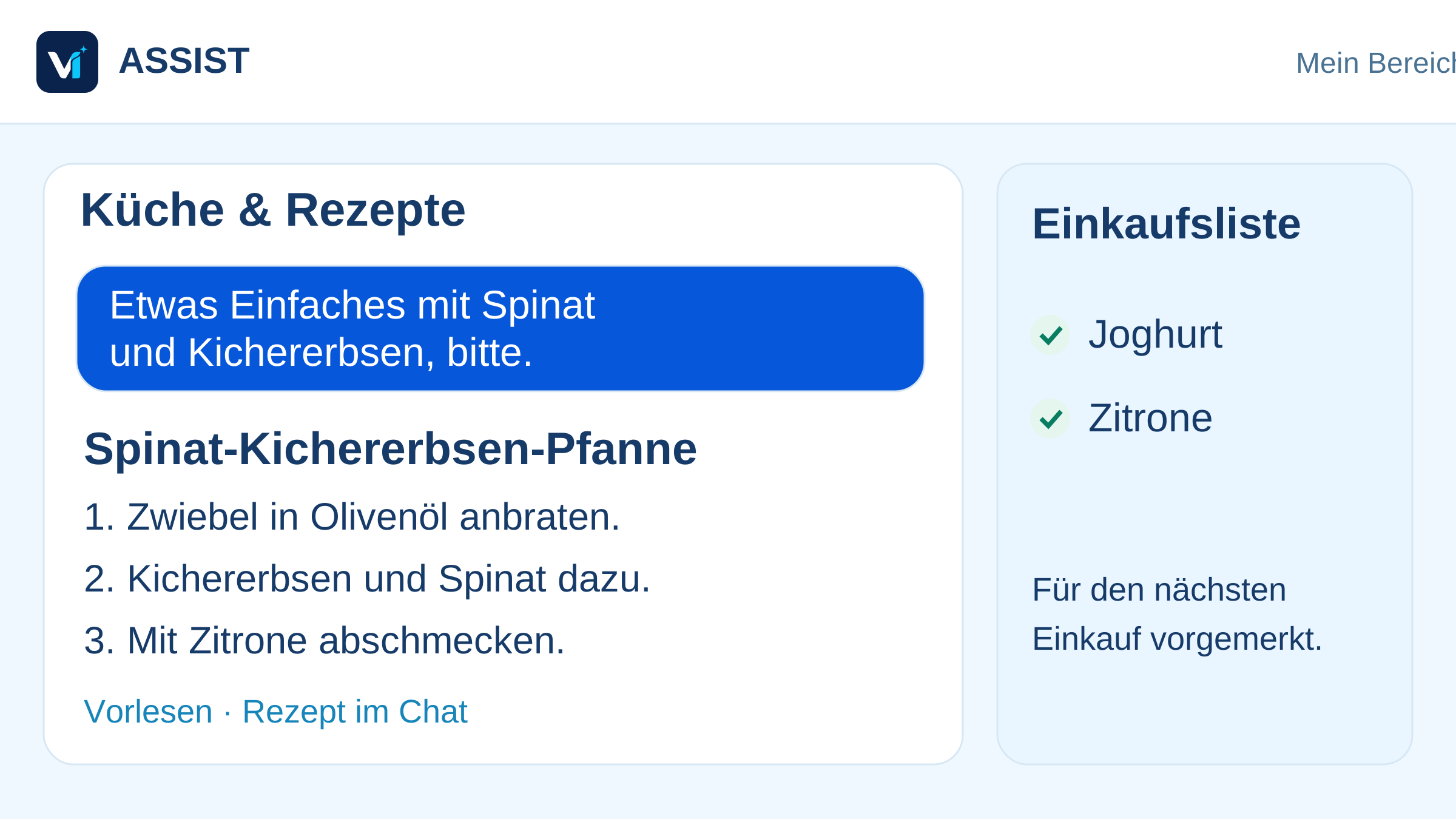
Remembers preferred shops and, once a retailer is connected and approved, can verify suitable offers instead of inventing prices.
Personality instead of generic replies
You set the tone, level of detail and your own rules. Tasks and reminders remain visible in your account. Connect Outlook email and Outlook Calendar separately with Smart, Pro or Individual. Gmail and Google Calendar are being tested exclusively with approved demo/pilot accounts.
Personal fine-tuning
Cost control
A visible plan limit, automatic warning and hard stop prevent unnoticed extra costs.
A day with VI Assist
You decide what VI Assist may know, remember or prepare. Every important action stays visible and controllable.
These examples are created at your request. VI Assist does not read unconnected accounts or make automatic bookings or publish content.
VI Assist brings together appointments, routes, priorities and the documents you actually need.
A short message or screenshot is enough to create organised tasks and reminders.
Contracts, subscriptions, notes and open decisions stay traceable instead of being scattered across apps.
A calm summary shows what is done, what is waiting and what matters tomorrow.

Get more from your day
People who love structure will love VI Assist. Those who find structure difficult get a calm companion that turns loose thoughts into clear next steps.
VI Assist uses the context of your conversation. It only remembers personal information permanently at your explicit request and with personalization enabled. You can edit or remove it under Rules & knowledge. VI Life is being tested as an optional adviser; the status in your account shows whether it is available.
Guidance stays realistic and balanced, and is clearly labelled as an observation or suggestion.
Active days, your feedback and confirmed routines make progress transparent.
The adviser is voluntary, can be paused, and never changes permissions on its own.
Your assistant. Your rules.
VI Assist does not simply take control. You build your personal assistant step by step and always decide which information and permissions it receives.
Choose your name, tone, goals and most important areas of life.
Add routines, documents, boundaries and preferred workflows.
VI Assist prepares, reminds and asks before important actions.
Feedback improves your personal workflow in a controlled and transparent way.

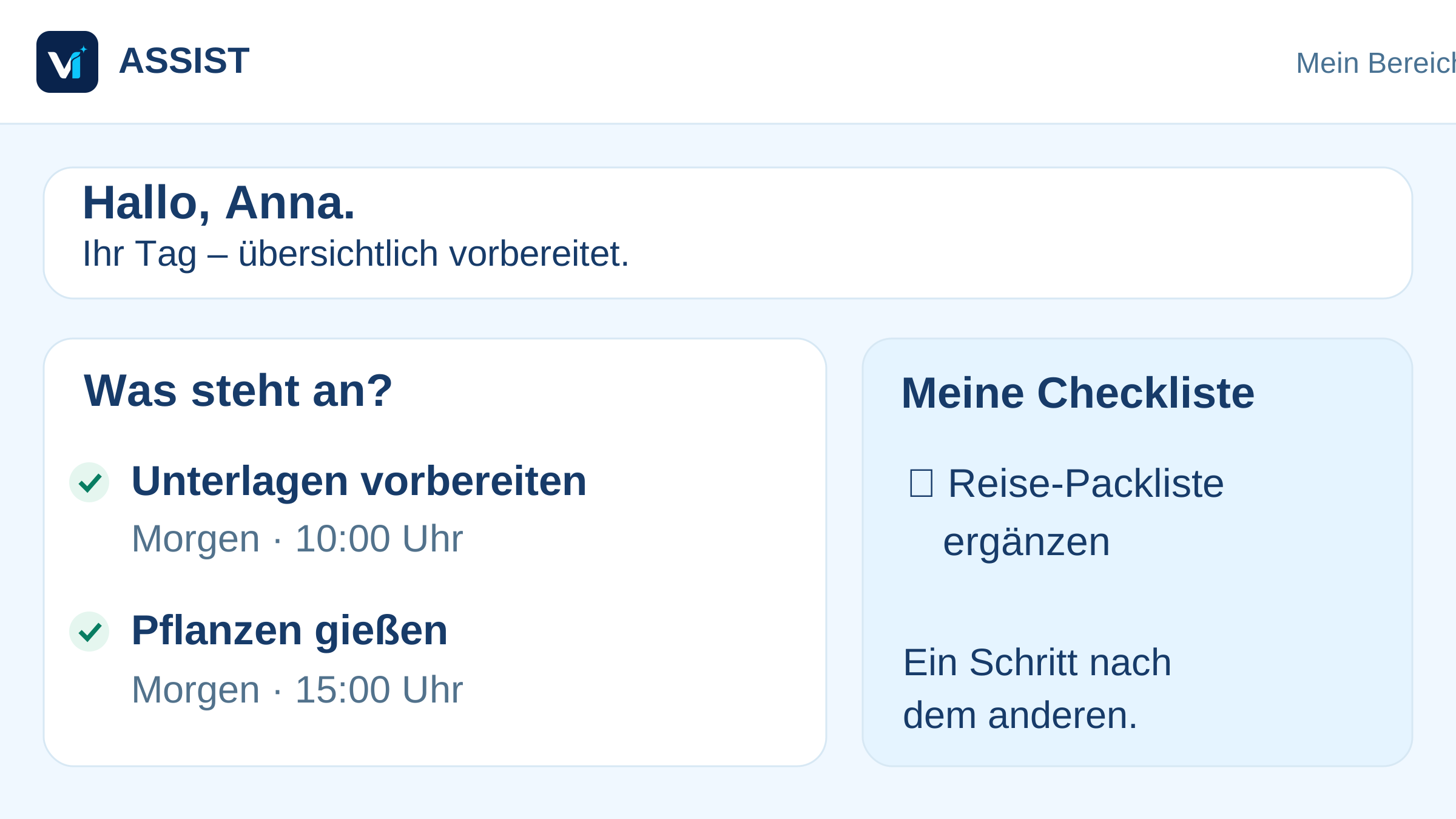
Good morning, Anna
Friday · Personal overview
Prepare client meeting
Documents are ready
Contract deadline
Flag decision for review
Weekly shopping
Complete list from notes
Your day. Your way of working.
An assistant becomes useful when it understands your preferences. Discover how to adjust tone, knowledge and rules through app illustrations and practical examples.
Choose a topic and take a look.
Personalise settings, add knowledge and understand permissions. Click to explore.
VI ASSISTSample viewSettings
Personal fine-tuningFriendliness72%
Directness55%
Level of detail40%
Proactivity30%
VI ASSISTSample viewSettings
Rules & knowledgeMy priority: time for work and family.
Start with a brief summary. Ask when something is unclear.
VI ASSISTSample viewSettings
Permission centreIllustrative tablet view. The actual interface and available features may differ.
All previews & guidesBefore you begin
Yes. Free is permanently free and requires no payment details. You start with your personal main chat and one area of your life. You can review the limits of paid plans before subscribing.
No. Your own tasks, lists and appointments work without an external connection. For email and calendars, you select each service separately and review its permissions yourself.
Signing in and registering with Google and Microsoft are available on the Free plan too. Connect Outlook email and Outlook Calendar with Smart, Pro or Individual and separate permission for the provider. Gmail and Google Calendar can only be used by approved test accounts in the demo/pilot programme; Smart alone does not unlock them. Public approval for Google is still in preparation. Apple/iCloud has been announced.
Yes, in the browser with the same account. Your saved content belongs to your account. Check device permissions, such as microphone and notifications, on each device. The Windows companion is available to download, the Android app is being tested, and the native iPhone app will follow later.
A draft is not a sent message. Check the recipients, content and attachments. Sending requires the appropriate provider permissions, separate authorization for the action and your confirmation of the specific message.
Plans and prices
Free is always free. For Essential, Smart and Pro, checkout shows the binding local price and term before you subscribe.
Free
Free
Essential
Loading price…
/Month
Smart
Loading price…
/Month
Pro
Loading price…
/Month
Individual
On request
For companies, teams and websites
Prices come directly from Paddle and include estimated taxes. The checkout shows the final amount.
Custom solutions for companies
Whether you need AI reception, website advice, sales, service or industry-specific assistance for trades and teams, we design the role, knowledge, permissions, handovers and dashboard with you. The assistant works toward defined goals within clear limits and hands over to people when a decision or approval is required.
You decide which personal details to share. You can view and change saved tasks, reminders and rules. The privacy notice explains how your information is processed.
Server location: Germany
The VI Assist app and customer data are hosted on an OVH VPS in Germany. Our privacy notice explains the service providers and data processing.
VI Assist acts only within permissions you have visibly granted.
Important actions and changes remain logged.
Reminders, rules and access can be adjusted at any time.
When uncertain, the assistant asks instead of deciding silently.
Product roadmap
Features are developed step by step, tested and then released. Available features and upcoming additions are labeled separately. Check important results yourself; VI Assist does not replace professional medical, legal or financial advice.
Personal dashboard, tasks, notes, voice and reminders
Discuss your own text and images, compare amounts and note deadlines when you ask
Windows companion available to download, Android test app and mobile browser view; native iOS version in preparation
Privacy, billing and support
Free for everyone · always free
Sign up, set up a personal assistant space and use short text questions, tasks, lists and reminders in the secure browser app.
After email confirmation, a separate personal VI Assist account is created automatically.